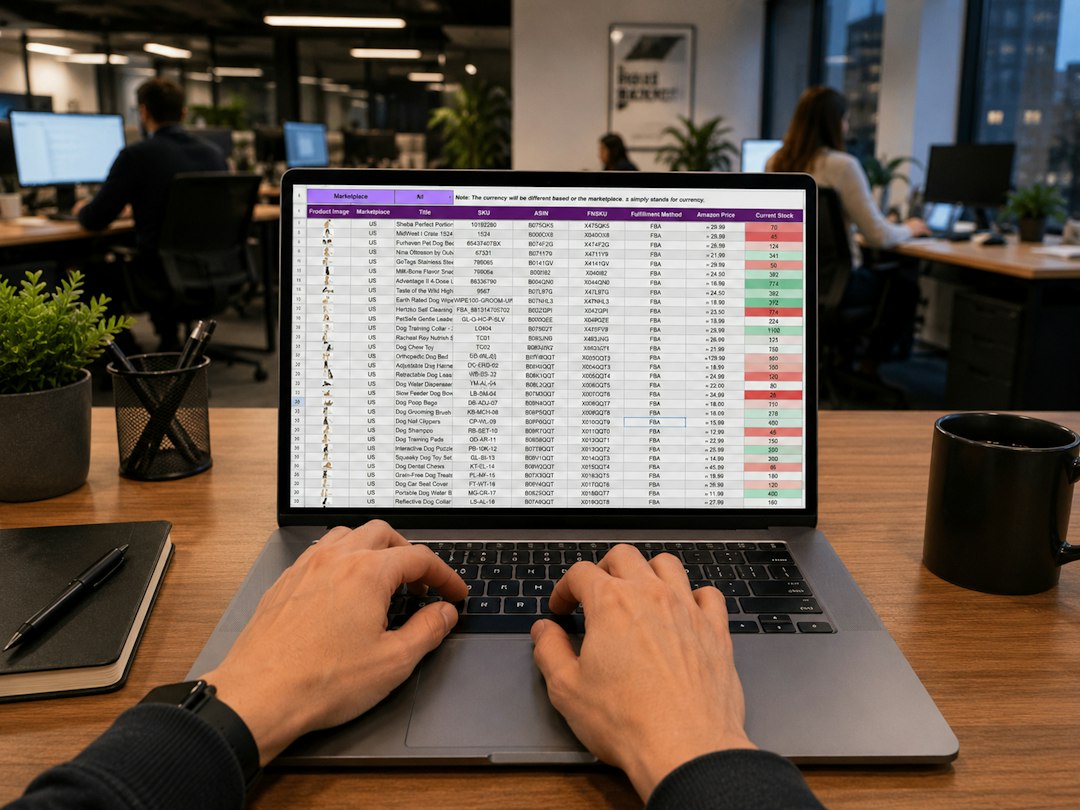
A common misconception is that AI removes the need to understand Excel. It does not. An AI tool can draft a formula, explain a function, or suggest a chart, but it may misunderstand column headings, dates, or the intended result. A prompt such as “calculate monthly sales� is incomplete if the sheet contains returns, blank rows, or several currencies. Training should show you how to describe the task clearly, inspect the proposed answer, and test it against a small known example. That process makes AI an assistant while keeping the user responsible for the decision.
The underlying spreadsheet concepts still matter. A cell reference tells Excel which value to use, while an absolute reference, such as $B$2, stays fixed when a formula is copied. Relative references change as the formula moves, which is helpful for repeated calculations but can create errors if used carelessly. Consider a Perth trades business calculating job margins: a formula may subtract material and labor costs from the invoice value, then divide by revenue. Learning how each reference behaves is more reliable than copying an AI-generated formula and hoping the totals look reasonable.
Another useful concept is the pivot table, which groups and summarizes a large data set without rewriting the source table. A supervisor could use one to compare hours by project, employee, or week, then filter the results for a particular suburb. Power Query addresses a different problem: it imports and cleans recurring data, such as monthly files with inconsistent spacing or column names. Instead of manually fixing every file, you can create repeatable transformation steps. AI may help explain these features, but training should also clarify when a pivot table is appropriate and when a cleaned source table is the better starting point.
The word “training� does not necessarily mean sitting in a large classroom. A private, face-to-face session can focus on the workbook you already use, while a small team session can address shared procedures and common mistakes. Online instruction can also work well when screens are easy to share and the exercises are prepared in advance. For a beginner, the pace might start with entering data, formatting tables, and using basic formulas. An experienced analyst may instead need help with nested functions, dashboards, automation, or using Copilot with Excel without accepting its suggestions blindly.
For managers, the practical issue is often consistency rather than individual speed. One employee may type dates as text, another may use different labels, and a third may overwrite formulas with hard-coded numbers. These habits make reports harder to maintain and can obscure where a result came from. A focused session can establish sensible table layouts, clear naming, protected formula areas, and checks for missing or unusual values. It should also distinguish confidential information from material that is suitable for an AI prompt. That distinction is a basic data-handling skill, not an optional technical detail.
Choosing an Excel AI course in Perth is easier if you define the work problem first. Bring a sanitized example of a report, roster, budget, or inventory sheet and identify the point where time or uncertainty is lost. Ask whether the session covers your Excel version, the level of access to AI features, and the difference between explaining a result and verifying it. The useful outcome is not simply a collection of shortcuts. It is the ability to structure data, select an appropriate tool, check the result, and repeat the process confidently. For additional context, review these excel learning resources before deciding what support fits your role.